What is Accounts Payable Automation?
Accounts payable automation (AP automation) is the end-to-end digitization and software orchestration of the invoice-to-pay lifecycle. It eliminates manual data entry and paper-heavy verification by using AI to ingest supplier invoices, extract line items, execute automated 2-way and 3-way matching, route multi-level approvals, and synchronize transaction records with the company's Enterprise Resource Planning (ERP) system.
Key Benchmark: Organizations that implement modern AP automation reduce cost per invoice from $12–15 USD to under $2 USD (an 85%+ reduction) and shorten processing turnaround from 15–20 days to under 24 hours.
Why Finance Teams are Prioritizing AP Automation
1. Lower operational cost and headcount scaling
Manual invoice processing is inherently labor-intensive. Every incoming bill requires manual inbox monitoring, data transcription, tax ID validation, cross-referencing against purchase orders, and physical or email approval chasing. Automation eliminates these administrative bottlenecks:
- Zero manual transcription: Finance professionals spend their time on strategic analysis, vendor negotiations, and cash flow optimization rather than typing line items into ERPs.
- Elimination of costly overpayments: Automated checks prevent duplicate payments, rounding errors, and unauthorized invoice submissions.
- Early payment discount capture: Accelerating cycle times from weeks to hours allows finance departments to capture 1–2% early-pay discounts (dynamic discounting) while eliminating late payment penalties.
2. Complete visibility and real-time cash flow control
In a manual setup, invoices sit in employee email boxes or on physical desks, creating financial blind spots. Automated AP centralizes all documents upon receipt, offering:
- Live status tracking for every invoice in the pipeline (received, extracted, pending approval, matched, paid).
- Accurate accruals and real-time cash flow projections.
- Granular spend visibility categorized by supplier, department, subsidiary, or project code.
- Automated anomaly detection that flags unusual price spikes, duplicate billing, or unauthorized vendors.
3. Bulletproof compliance and frictionless audit readiness
AP automation builds an immutable, timestamped audit trail for every single document:
- Complete record of who approved what, when, and under which authorization threshold.
- Direct line-item linkage between invoices, purchase orders, receiving slips, and ERP vouchers.
- Automated tax validation with fiscal authorities (e.g., SAT CFDI in Mexico, SII DTE in Chile, ARCA in Argentina, DIAN in Colombia).
- One-click export of structured documentation for internal and external audit compliance.
The 5 Core Pillars of an AP Automation Architecture
1. Multi-Channel Document Ingestion
An enterprise AP engine captures incoming invoices across all vendor communication channels without manual intervention:
- Dedicated Email Inboxes: Ingestion bots monitor AP mailboxes (e.g.,
ap@company.com) and process attached PDFs, XMLs, and scanned images in real time. - Supplier Portals: Autonomous agents pull monthly invoices and utility bills directly from vendor web portals.
- Cloud Storage: Continuous sync with Google Drive, OneDrive, Dropbox, and Box.
- Direct EDI & API Feeds: High-volume electronic data interchange with key logistics and direct-material suppliers.
2. AI-Powered Extraction vs. Legacy OCR
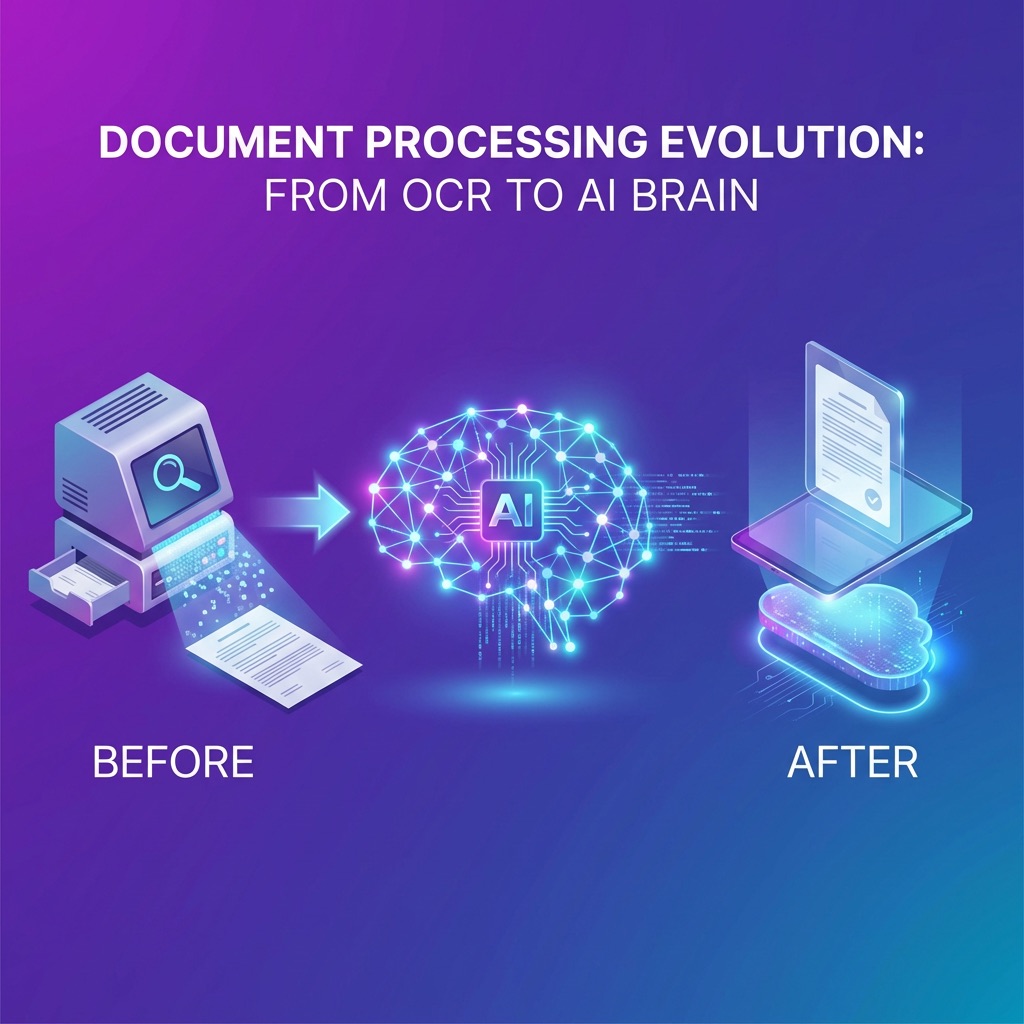
Traditional OCR requires rigid coordinate templates that break whenever a supplier changes font, column order, or invoice formatting. Modern AI models leverage large language models (LLMs) and computer vision to extract data contextually:
- Vendor header details (legal corporate name, tax identification numbers, billing addresses).
- Invoice metadata (document serial number, issue date, payment due date, currency code).
- Complex line-item tables (SKUs, item descriptions, quantities, unit prices, discounts, line totals).
- Taxes, retentions, and statutory fiscal breakdown.
To dive deeper into this shift, explore our guide on AI in Finance: Why AI Agents Beat Legacy OCR.
3. Automated 2-Way and 3-Way Matching
Invoice matching is the primary defense against overpaying vendors or settling invoices for unfulfilled orders:
- 2-Way Matching: Matches the supplier invoice against the approved Purchase Order (PO). Ideal for recurring subscriptions, utilities, and intangible service contracts.
- 3-Way Matching: Cross-examines the supplier invoice, the PO, and the Goods Receipt Note (GRN) / receiving dock log. Essential for physical inventory, hardware, and raw materials.
- 4-Way Matching: Adds formal Quality Inspection / QA sign-off for regulated industries and custom capital expenditures.
For a detailed breakdown of matching workflows and decision matrices, read our complete guide to 2-Way vs 3-Way vs 4-Way Matching and our best practices on 3-Way Matching Implementation.
4. Dynamic Approval Routing & Exception Handling
Clean invoices that match purchase orders within configured tolerance thresholds (e.g., ±0.5% price difference due to rounding) achieve straight-through processing (STP) with zero human touch. Invoices with discrepancies are intelligently routed:
- Hierarchy-Based Routing: Configurable escalation based on spend threshold, department, or cost center.
- Root-Cause Flagging: The AI highlights the exact variance (e.g., "PO #1042 unit price was $14.50, invoice billed at $16.00") so approvers can resolve issues in seconds.
- Vendor Communication: System-generated draft queries to suppliers requesting revised credit notes or clarification.
5. Native ERP & Accounting System Integration
AP automation must integrate seamlessly with your core ledger — including NetSuite, SAP, Oracle, Microsoft Dynamics 365, QuickBooks, and local ERPs. Two-way data synchronization ensures that:
- Vendor master records, open POs, and receipt confirmations sync down to the AP engine.
- Approved vouchers, GL coding, cost centers, and scheduled payments post back to the general ledger automatically.
AP Automation ROI: Industry Benchmarks
| Performance Metric | Manual AP Process | Automated AP Platform | Net Improvement |
|---|---|---|---|
| Cost per Invoice | $12.00 – $15.50 USD | $1.50 – $2.20 USD | 85 – 90% savings |
| Processing Cycle Time | 14 – 21 business days | < 24 hours | 95%+ faster |
| Invoice Error & Exception Rate | 12 – 20% | < 1.5% | 90%+ error reduction |
| Invoices per AP FTE / Month | 400 – 600 invoices | 3,000 – 5,000+ invoices | 6x–8x capacity increase |
| Early Payment Discount Capture | < 15% of eligible bills | > 85% of eligible bills | Significant cash yield |
Implementation Roadmap: From Pilot to Enterprise Rollout
Phase 1: Diagnostic & Workflow Mapping (Weeks 1–2)
- Audit current AP invoice volumes, supplier communication channels, and file formats (PDFs, XMLs, paper).
- Document authorization matrix, approval thresholds, and exception resolution rules.
- Identify top 20 vendors generating 80% of routine invoice volume.
Phase 2: Configuration & ERP Integration (Weeks 3–4)
- Establish secure API / webhook connections to your ERP (SAP, NetSuite, etc.).
- Configure email ingestion inboxes and document routing rules.
- Set up GL coding rules, cost centers, and matching tolerance thresholds.
Phase 3: Pilot Run & Model Calibration (Weeks 5–6)
- Run parallel processing on a single subsidiary or selected supplier cohort.
- Validate AI line-item extraction accuracy and exception handling flows.
- Refine custom workflows based on AP clerk and controller feedback.
Phase 4: Full Production Rollout (Weeks 7–8)
- Expand automated capture to 100% of supplier base.
- Enable automated straight-through payment batch scheduling.
- Monitor live dashboards for STP rates, approval cycle speed, and cost savings.
Frequently Asked Questions (FAQ)
What is the difference between AP automation and basic OCR?
Optical Character Recognition (OCR) converts image pixels into raw text based on fixed coordinate templates. If an invoice layout shifts or varies across vendors, OCR fails. Modern AP automation uses AI and contextual language models to understand the document structure semantics, achieving over 99% accuracy across non-standardized layouts, multiple currencies, and diverse tax codes without manual templating.
How does AP automation handle multi-currency and multi-country tax compliance?
Enterprise AP automation engines automatically validate invoices against local statutory tax authorities (such as CFDI 4.0 in Mexico, DTE in Chile, NF-e in Brazil, and ARCA in Argentina) and handle multi-currency conversions using daily official exchange rates, simplifying consolidation across international subsidiaries.
Can we keep our existing ERP and accounting system?
Yes. AP automation solutions act as an intelligent workflow and data ingestion layer on top of your existing ERP (SAP, NetSuite, Oracle, Microsoft Dynamics). The ERP remains your single source of truth for general ledger posting, payment release, and treasury operations.
What is straight-through processing (STP) in accounts payable?
Straight-through processing occurs when an invoice is ingested, extracted, matched against its purchase order and receiving receipt, and posted to the ERP for payment without any manual human touch. Leading automated organizations achieve 80–90%+ STP rates on routine PO-backed spend.
Conclusion: Transform Your AP from a Cost Center to a Strategic Advantage
AP automation is no longer a luxury for back-office teams — it is the single highest-ROI digital transformation initiative available to finance leaders today. By automating document capture, line-level matching, and approval routing, companies safeguard cash flow, eliminate fraud, and free their accounting teams to focus on strategic growth.
Ready to automate your accounts payable workflows?
Schedule a 30-minute tailored walkthrough and calculate your company's projected AP savings with Cedalio.
Request a Free Demo